On the A Level Computer Science course you will learn about the changing role of technology in communications, both between individuals and for business. Technology has been increasingly important to us all during the Coronavirus Lockdown.
We’ve put together the following ‘Getting Ahead’ work to help prep you for your course in September.
I look forward to welcoming you to HSDC!
Danny Fellows – Lecturer of Computer Science

Python is a programming language which is great for creating fun and interesting computer programs to solve all sorts of problems from games to databases, and statistical analysis systems to quizzes and puzzles.
We use Python as our primary programming language on the A-Level Computer Science course at HSDC Havant Campus. You may have used Python at school. If not, that is no problem, we will have you up to the same level as all the other students very quickly.
To start preparing for your studies in Computer Science at HSDC I would like you to have a go at running and updating to a Noughts and Crosses program.
The computer plays randomly with no intelligence. Look at the program code and see if you can work out how it works.
Then, have a go at some of the coding challenges below:
Coding Challenges
Have fun with it!
Don’t worry if you can’t understand some of the code. It will all become very clear when you are studying on our fabulous A-Level Computer Science course.
I look forward to seeing you in September.
The Noughts and Crosses Program
# NOUGHT AND CROSSES DANNY FELLOWS
# THIS IS THE BASIC PROGRAM WITH NO VALIDATION AND NO
# INTELLIGENT PLAY FROM THE COMPUTER. THE COMPUTER PLAYS
# RANDOMLY.import random
print(“”)
print(“NOUGHTS AND CROSSES”)
print(“===================”)
print(“”)board=[[“1″,”2″,”3”],[“4″,”5″,”6”],[“7″,”8″,”9″]] # SET UP 3×3 LIST
# DISPLAY THE CURRENT BOARD
for x in range(3):
for y in range(3):
print(” “, board[x][y], end = ” “)
print(“\n”)winner = “No”
quitGame = False
goes = 0while not quitGame and winner == “No”:
# HUMAN’S GO
validMove = False
while validMove == False and quitGame == False:
humanMove = int(input(“Which square would you like? (0 to quit) : “))
if humanMove == 0:
quitGame = True
else:# WORK OUT THE POSITION OF PLAYER’S GO ON THE BOARD
row = int((humanMove-1) // 3) # // is integer division
col = int((humanMove-1) % 3) # % is modulus (remainder)
if board[row][col].isnumeric():
validMove = True
board[row][col] = “X”
goes = goes + 1if not quitGame :
# COMPUTER’S GO (IF GOES <5) – RANDOM
if goes <5:
validMove = False
while not validMove:
row = random.randint(0,2)
col = random.randint(0,2)
computerMove = board[row][col]
if computerMove.isnumeric():
validMove = True
board[row][col] = “O”# CHECK IF THERE IS A WINNER
# CHECK THE ROWS
for r in range(3):
result=””
for c in range(3):
result = result + board[r][c]
if result == “XXX”:
winner = “X”
if result == “OOO”:
winner = “O”# CHECK THE COLUMNS
for c in range(3):
result=””
for r in range(3):
result = result + board[r][c]
if result == “XXX”:
winner = “X”
if result == “OOO”:
winner = “O”# CHECK THE DIAGONALS
diagonal1 = board[0][0] + board[1][1] + board[2][2]
diagonal2 = board[0][2] + board[1][1] + board[2][0]if diagonal1 == “XXX” or diagonal2 == “XXX”:
winner = “X”
if diagonal1 == “OOO” or diagonal2 == “OOO”:
winner = “O”if winner != “X” and goes<5:
print(“The Computer chooses square : ” , computerMove)# DISPLAY THE CURRENT BOARD
print(“”)
for x in range(3):
for y in range(3):
print(” “, board[x][y], end = ” “)
print(“\n”)# IF THERE IS A WINNER PRINT WHICH PLAYER HAS WON
if goes == 5:
print(“It was a Draw”)
winner = “Draw”
else:
if winner !=”No”:
print(“***********************”)
print(“***”, winner, “IS THE WINNER ***”)
print(“***********************”)print(“\nBYE BYE…”)
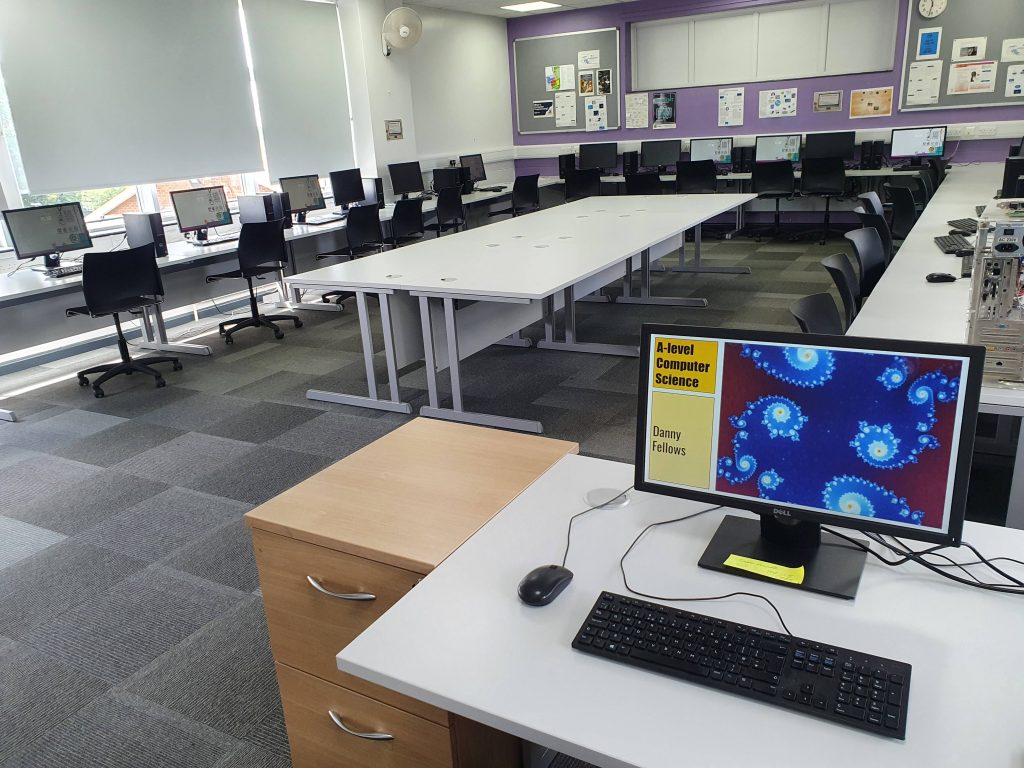 *This is a representation of your learning space and may not be the exact room you will be using
Danny Fellows
We look forward to seeing you soon!